Gmail provides no way to embed images, Youtube videos, sophisticated table layouts, Flash animation movies, inline podcast players like odeo, and etc. There is a copy and paste tricks that allow you to embed images into your rich text email in Gmail. You are actually copying a rendered HTML from either an existing web page or WYSIWYG HTML editor.
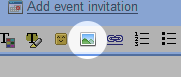
Google Labs introduce a new feature in Gmail called Inserting Images that allows user to insert images into email body without having to use the attachment option. You can insert the images by uploading a file or from an URL source. Also make sure you are using rich text formatting to compose your email or else you will not see the inserting images feature.
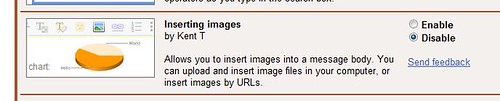
To enable this features, login into your Gmail, click the “Settings” link on top-right of the page. Click on “Labs” link under the settings. Scroll the page down until you see the “Inserting Images” feature. Enable the feature and remember to save changes by clicking the “Save Changes” button at the bottom of the page.

Leave a Reply